Audit Logs
Track and review all activities within your organization for security and compliance purposes.
Overview
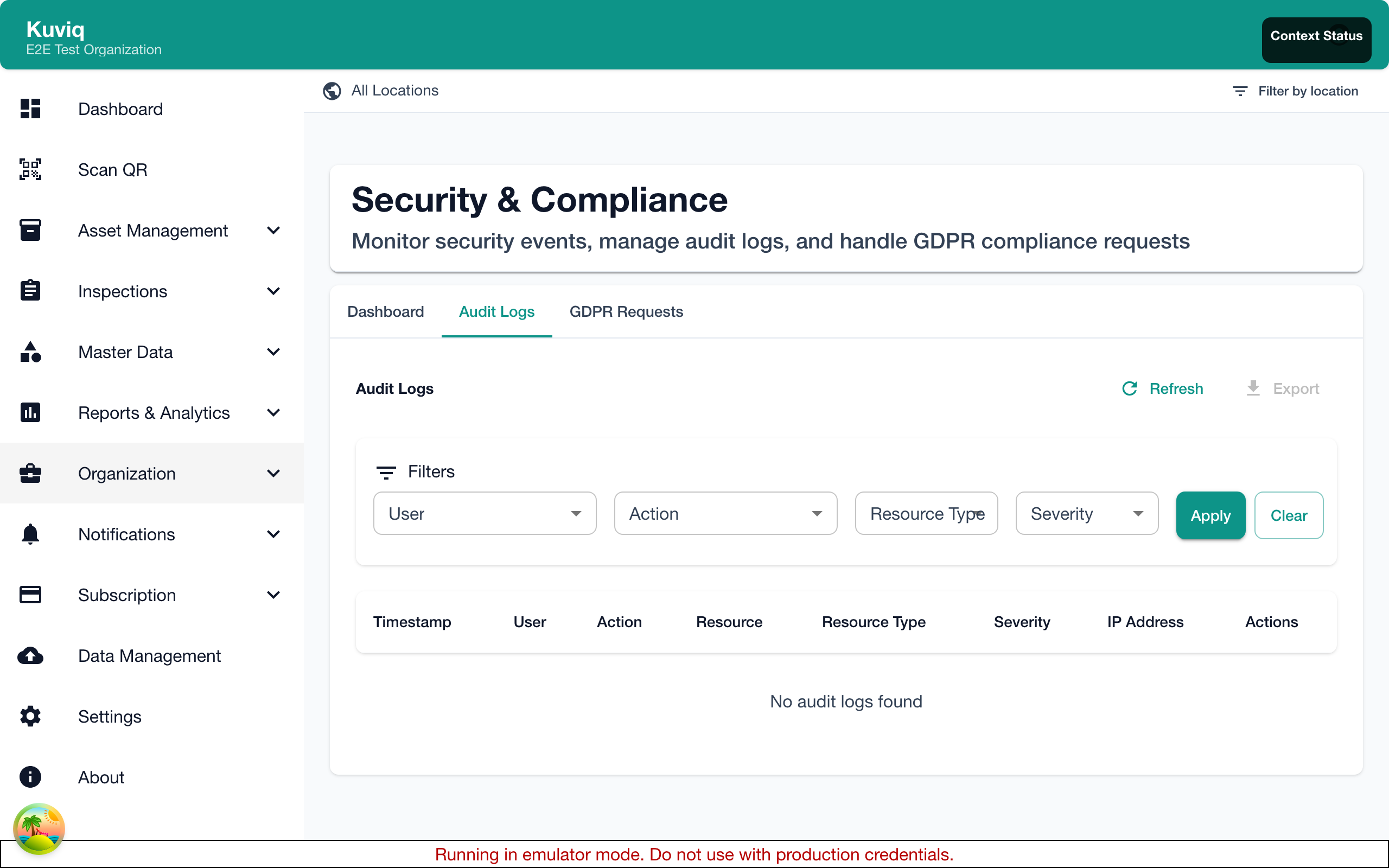
Audit logs provide a complete record of actions taken within Kuviq. They help you:
- Monitor user activity - See who did what and when
- Investigate incidents - Track down the source of problems
- Ensure compliance - Meet regulatory requirements
- Maintain accountability - Document all changes
Accessing Audit Logs
Where to Find
- Go to Settings > Security > Audit Logs
- Or navigate to Admin > Audit & Compliance
Required Permissions
- Super Admin: Full access to all logs
- Admin: Access to logs within their organization
- Manager/User: No access to audit logs
Types of Logged Events
Authentication Events
| Event | Description |
|---|---|
| Login | User signed in |
| Logout | User signed out |
| Failed Login | Incorrect credentials |
| Password Reset | Password was reset |
| 2FA Enabled | Two-factor authentication activated |
| 2FA Disabled | Two-factor authentication deactivated |
| Session Expired | User session timed out |
User Management Events
| Event | Description |
|---|---|
| User Created | New user account created |
| User Invited | Invitation sent to user |
| User Activated | Account activated |
| User Deactivated | Account deactivated |
| Role Changed | User's role was modified |
| Location Assigned | User given location access |
| Location Removed | Location access revoked |
Data Events
| Event | Description |
|---|---|
| Item Created | New item added |
| Item Updated | Item details modified |
| Item Deleted | Item removed |
| Inspection Completed | Inspection submitted |
| Inspection Edited | Inspection modified |
| Report Generated | Report created |
| Data Exported | Data exported from system |
| Data Imported | Data imported into system |
Administrative Events
| Event | Description |
|---|---|
| Settings Changed | Organization settings modified |
| Template Created | Inspection template added |
| Template Modified | Template updated |
| Location Created | New location added |
| Location Modified | Location details changed |
| Automation Created | New automation rule added |
| Webhook Configured | Webhook settings changed |
Viewing Audit Logs
Log Entry Details

Each log entry includes:
- Timestamp - When the event occurred (UTC)
- User - Who performed the action
- Action - What was done
- Resource - What was affected
- Details - Additional context
- IP Address - Source IP
- User Agent - Browser/device info
Example Log Entry
Timestamp: 2024-01-15 14:32:45 UTC
User: john.smith@company.com
Action: Item Updated
Resource: Fire Extinguisher #FE-2024-001
Details: Status changed from "Available" to "Under Maintenance"
IP Address: 192.168.1.100
User Agent: Chrome/120.0 (Windows)
Filtering Logs
Filter Options
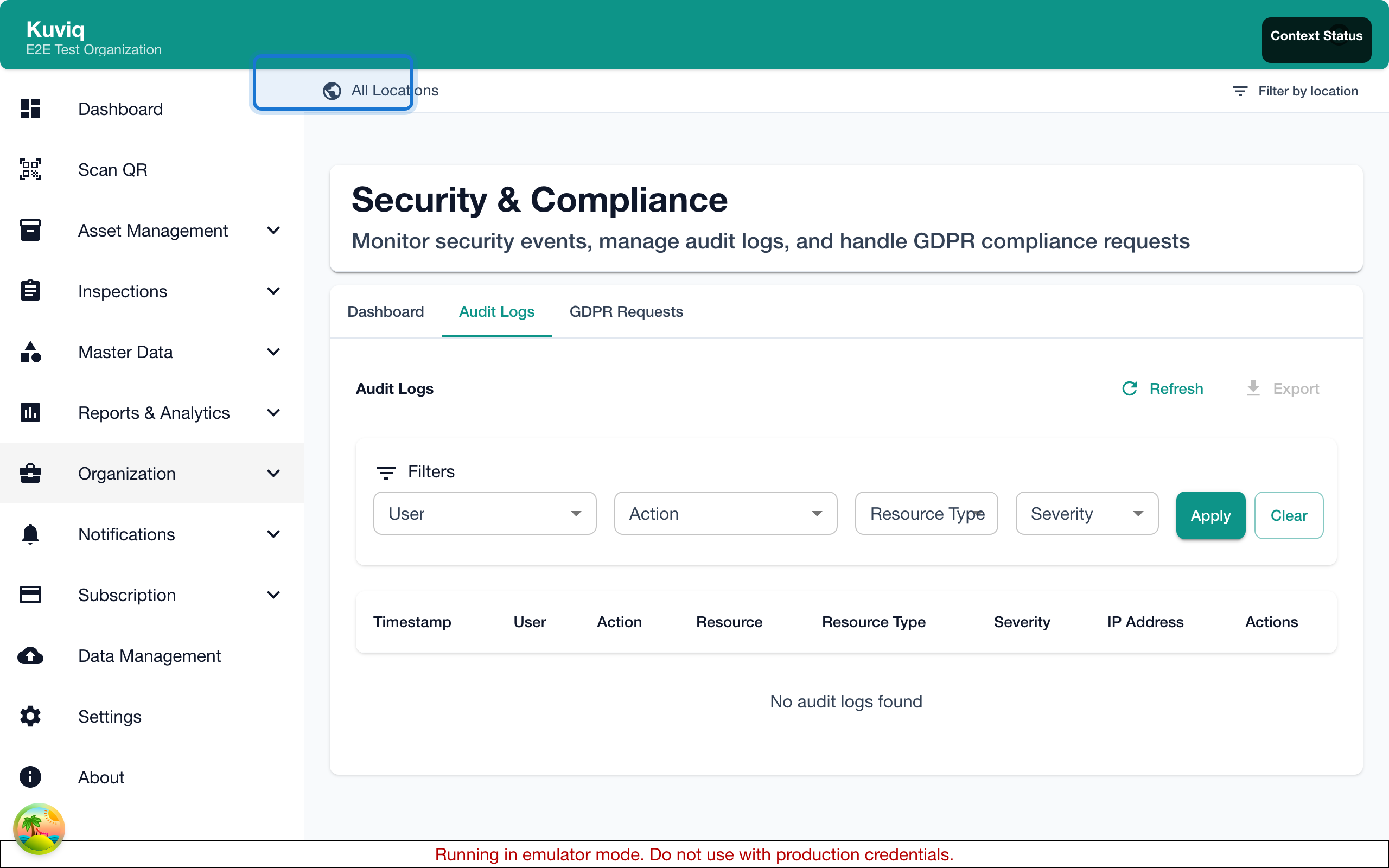
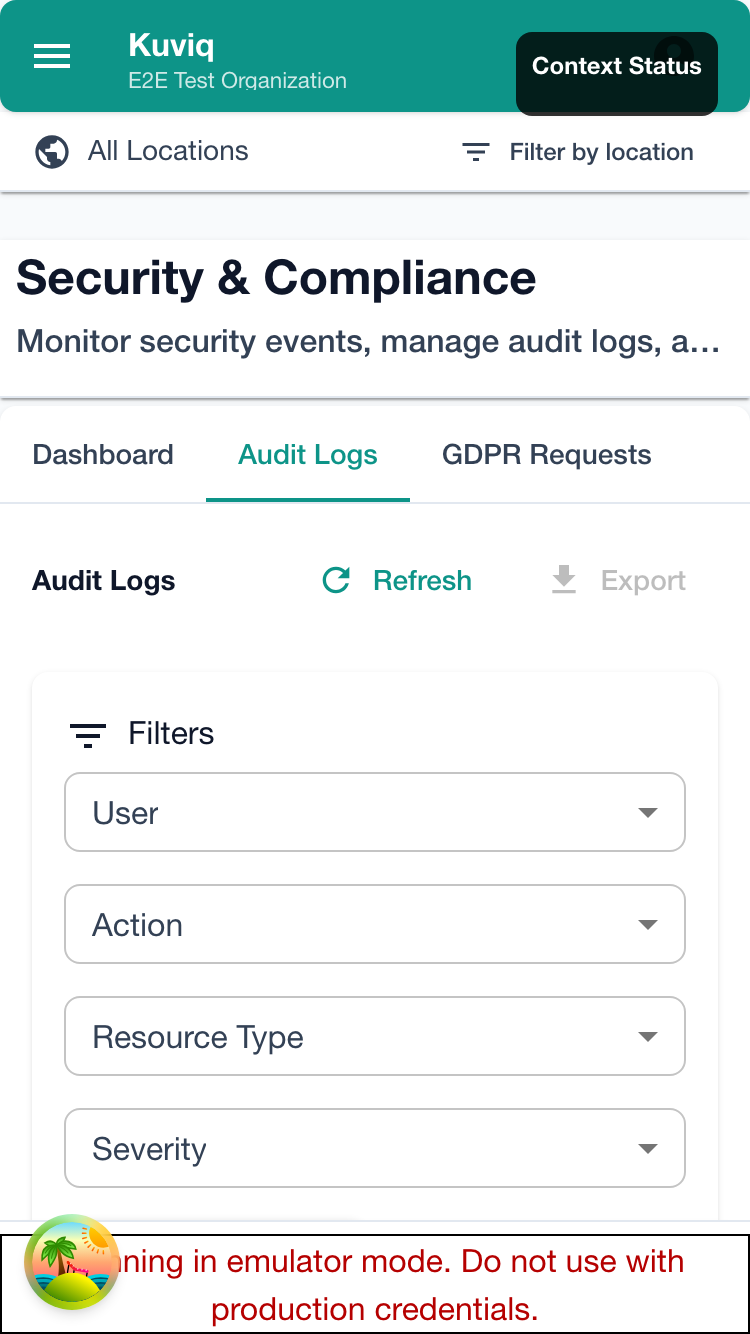
| Filter | Description |
|---|---|
| Date Range | Start and end dates |
| User | Specific user's actions |
| Action Type | Category of action |
| Resource Type | Items, inspections, users, etc. |
| Keyword | Search in details |
Common Filter Scenarios
All login attempts:
- Action Type: Authentication
- Date Range: Last 30 days
Specific user's activity:
- User: Select user
- Date Range: As needed
All data exports:
- Action Type: Data Export
- Date Range: Last 90 days
Failed inspections:
- Action Type: Inspection Completed
- Details contains: "failed"
Searching Logs
Quick Search
- Use the search bar
- Enter keywords
- Search across all log details
Advanced Search
For complex queries:
- Click Advanced Search
- Combine multiple criteria
- Use operators (AND, OR)
- Save search as filter
Exporting Logs
Export Formats
- CSV - For spreadsheet analysis
- PDF - For documentation
- JSON - For integration
How to Export
- Apply desired filters
- Click Export
- Choose format
- Download file
Export Limits
- Maximum 50,000 records per export
- Large exports may take time
- Consider narrowing date range
Log Retention
Retention Periods
| Plan | Retention |
|---|---|
| Free | 30 days |
| Starter | 90 days |
| Professional | 1 year |
| Enterprise | Custom |
Extending Retention
For compliance needs:
- Contact sales
- Custom retention available
- Archive options available
Real-Time Monitoring
Activity Dashboard
View recent activity:
- Go to Security Dashboard
- See real-time log stream
- Monitor for unusual activity
Alert Configuration
Set up alerts for:
- Multiple failed logins
- Mass data exports
- After-hours activity
- Sensitive changes
Compliance Features
Audit Reports
Generate compliance reports:
- Go to Reports > Audit Reports
- Select report type
- Choose date range
- Generate report
Available Reports
| Report | Content |
|---|---|
| User Access Report | All user access and permissions |
| Data Access Report | Who accessed what data |
| Change Report | All modifications to data |
| Security Report | Security-related events |
Report Scheduling
Schedule automatic reports:
- Create report
- Click Schedule
- Set frequency
- Choose recipients
Best Practices
Regular Review
- Weekly: Review failed logins
- Monthly: Check data exports
- Quarterly: Full audit review
- Annually: Comprehensive compliance audit
Investigating Issues
When something goes wrong:
- Note the approximate time
- Filter logs by time
- Identify affected resources
- Trace user actions
- Document findings
Maintaining Compliance
For regulatory compliance:
- Export logs regularly
- Store exports securely
- Maintain for required period
- Document access controls
Integration
SIEM Integration
For enterprise security:
- Configure webhook for logs
- Point to SIEM system
- Logs streamed in real-time
- Analyze with other security data
API Access
Programmatic access:
- Use Audit Logs API
- Query specific events
- Build custom dashboards
- Automate compliance checks
Troubleshooting
Can't Find Specific Event
- Expand date range
- Check filter settings
- Use broader search terms
- Event may have different name
Missing Log Entries
- Check retention period
- Verify time zone settings
- Some events may not be logged
- Contact support if needed
Export Issues
- Reduce date range
- Try different format
- Clear filters
- Check browser settings
Related Topics
- Security Dashboard - Security overview
- GDPR Compliance - Data protection
- Permission Matrix - Access levels